How to choose a construction management app (small contractor edition)
For a small contractor, the right construction management app is the one your foremen will actually open — field-first, fast to learn, priced per seat without enterprise theater. The evaluation is not about feature counts; it is about whether the app survives contact with your least patient foreman.
The evaluation, in order of importance
-
The adoption test beats the feature list
Give the app to a foreman for a day without training. If they capture a photo, close a task and log the day without calling you, adoption is plausible. Every unused feature is worth exactly zero.
-
Field-first, not office-first
Most 'construction management' software was built for the office and got a mobile app bolted on. Watch where the product is at home: if the phone experience is a scrolled-down website, the field will not use it, and the office will be managing a fiction.
-
Offline is non-negotiable
Basements, cores, rural sites. Capture must work with zero signal and sync later without data loss — test it in airplane mode before you believe it.
-
Covers your daily loops, not your someday dreams
Daily reports, tasks and defects, inspections, photos, drawings, safety records. Buy for the loops you run every day; integrations and dashboards mean nothing if the daily loop is clumsy.
-
Pricing that matches how you grow
Per-seat pricing scales with your crew; per-project pricing punishes winning work. Watch for storage meters on photos (your evidence!), paywalled safety features, and annual lock-in before adoption is proven.
-
A trial that proves it on a real project
Two weeks, one live project, your real crew. If the vendor's trial can't survive that, their product won't either.
Small-contractor traps
- Buying the enterprise suite because it demos well. You are not staffing a document controller. Complexity your team cannot absorb is a liability, not headroom.
- Buying five point tools. Daily reports here, safety there, photos in a third place — the record fragments and the crew rebels. One app for the field loops beats five best-of-breeds nobody opens (see the safety app trap).
- Ignoring exit. Ask what happens to your data when you leave. If the answer is vague, so is your ownership of your own record.
Doing this in TerenIQ
TerenIQ was built as the small-contractor answer:
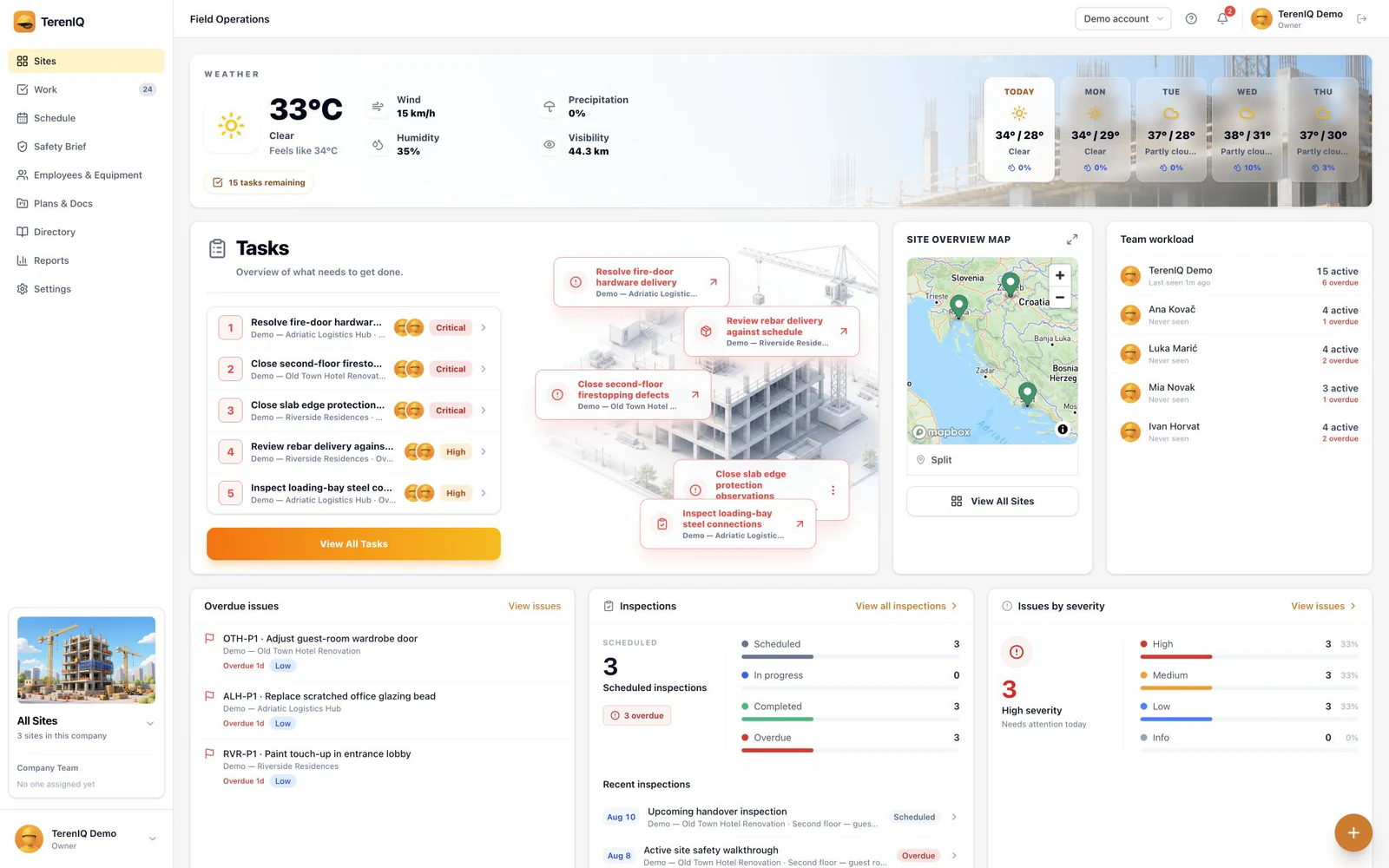
- Field-first by design: web for the office, iPhone and Android for the crew, one record. Mobile apps queue supported field actions during weak connectivity and sync updates when the connection returns.
- The daily loops in one place: daily reports, tasks, defects, RFIs, snags, inspections, permits, briefs, drawings, photos.
- Monthly plans for 5, 10, 15 or 25 seats, with no card required for the 14-day trial — and a seeded sample project so the first login shows it working.
- Your records stay yours: export project reports any time, and we delete company data on request when you go.
Frequently asked questions
What does construction management software cost for a small contractor?
Pricing and packaging vary by vendor. TerenIQ offers monthly plans for 5, 10, 15 or 25 seats, plus a tailored Enterprise deployment for unlimited seats; see the pricing section for current totals.
Do small contractors really need construction software?
The paperwork duties are the same as the big firms' — daily records, safety evidence, defect close-out — just with no back office to absorb them. That makes the case stronger for small teams, not weaker.
How long does it take to roll out?
One project and one week of real use answers most of it. Start with daily reports and tasks, add inspections and permits once the habit holds.